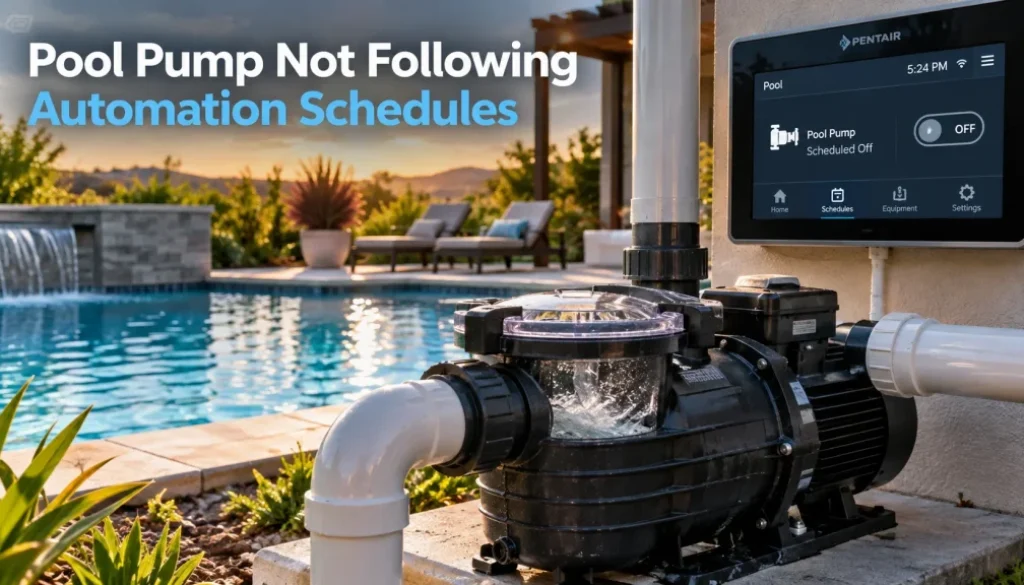
Pool Pump Not Following Automation Schedules? Possible Causes Explained
Pool automation should make daily pool care easier by running the pump at the times you set without constant manual adjustments. When the pump starts late, shuts off early, or ignores the programmed schedule completely, it can interfere with filtration, circulation, and energy management.
“So, what could cause a pool pump to stop following its automation schedule?”
The problem may involve incorrect programming, communication issues, power interruptions, incompatible equipment, or settings within the automation controller. Identifying the cause early can help restore dependable operation and prevent ongoing pool maintenance problems.
Key Takeaways
- Incorrect schedules can disrupt pump operation.
- Power interruptions may reset automation settings.
- Communication problems can prevent scheduled operation.
- Conflicting pump settings can override automation.
- Recurring issues may require professional inspection.
Signs Your Pool Pump Is Not Following Its Schedule
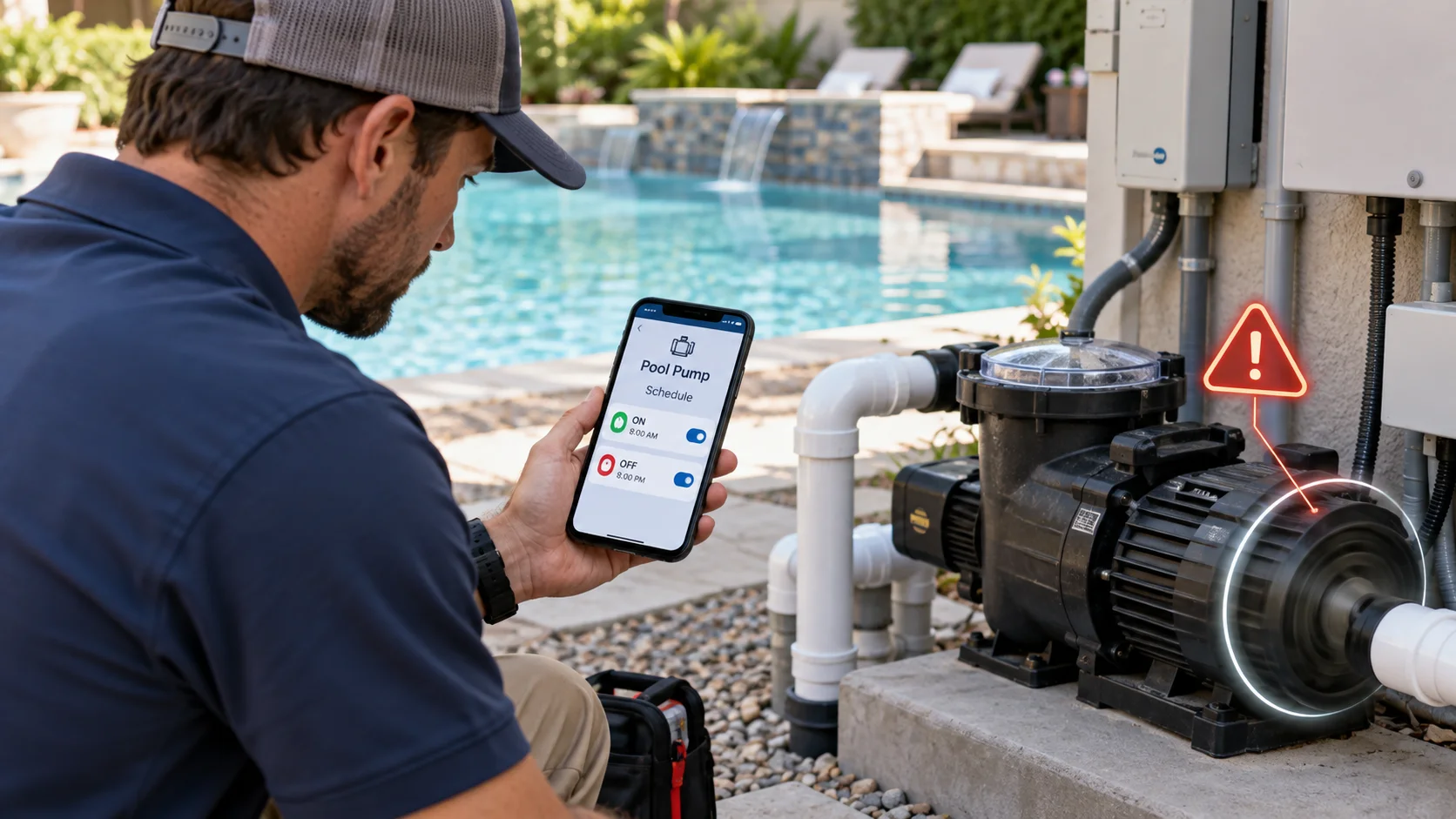
Automation problems are not always obvious at first. A pump may still operate normally when switched on manually while failing to follow the schedule stored in the controller.
Common signs include:
- The pump starts later than programmed.
- The pump shuts down before its scheduled stop time.
- The pump runs during hours that are not programmed.
- The pump works manually but not automatically.
- Changes made through the app do not appear at the equipment.
- Pump speeds do not change at scheduled times.
- The automation system repeatedly shows the pump as offline.
A single missed schedule does not automatically mean equipment has failed. Recurring scheduling problems, however, deserve closer attention.
Incorrect Automation Schedule Settings
Programming errors are one of the first things worth checking. Modern automation systems may allow multiple daily schedules, different pump speeds, individual days of operation, and separate programs for other pool features.
A simple conflict can make pump behavior seem unpredictable. For example, one filtration schedule may overlap another pump program assigned to a different speed. An old schedule that was never deleted may also continue running.
Check the automation system for the correct starting time, stopping time, selected days, and active programs. Pay close attention to AM and PM settings on systems using a 12-hour clock.
Some controllers also require users to save or confirm changes before new programming becomes active.
Power Interruptions Can Reset Pool Automation
A brief power interruption can affect pool automation differently depending on the controller. Some systems retain schedules but may lose the correct clock setting, while others may require additional configuration after power is restored.
If the controller thinks it is 3:00 PM when the actual time is 5:00 PM, the pump may still follow its programmed schedule. It will simply run two hours later than expected.
After an outage, check:
- Current date
- Current time
- Time zone
- Active schedules
- Pump communication status
- Controller error messages
Recurring resets may indicate a power supply, controller, or electrical issue that requires further inspection.
Communication Problems Between The Pump And Controller
Automation requires the controller and pump to exchange commands correctly. If communication is interrupted, the controller may display a schedule even though the pump never receives the instruction.
Several areas can contribute to this problem.
Loose Control Wiring
Many variable-speed pumps communicate with automation equipment through dedicated low-voltage communication wiring.
Loose, disconnected, damaged, or improperly terminated wiring can interrupt communication. Wiring inside pool equipment panels should be inspected carefully because electrical components may be present nearby.
Damaged Communication Cable
Outdoor equipment is exposed to moisture, heat, insects, vibration, and accidental physical damage. Communication cables can deteriorate or become damaged over time.
A pump that repeatedly changes between connected and disconnected status may need its communication path inspected.
Controller Connection Errors
The pump must also be correctly recognized and configured by the automation controller. Replacing a pump, resetting the controller, or modifying the system can sometimes require equipment settings to be entered again.
Variable-Speed Pump Settings May Override Automation
Variable-speed pumps can have their own controls and internal programming. That creates another possible source of schedule conflicts.
For example, certain pump and automation combinations require schedules stored directly in the pump to be disabled when an external automation controller takes over scheduling. Manufacturer instructions vary, so the correct configuration depends on the equipment installed.
Internal programs can potentially compete with automation commands if the system is configured incorrectly.
Check whether the pump is operating in the proper external control or automation mode. Also review any programs stored directly on the pump before adding more schedules through the automation system.
Pro Tip: Before changing automation or pump programming, photograph the existing settings. Adjust one item at a time and observe the result. This makes it much easier to identify which setting caused the scheduling problem.
Wi-Fi Problems Can Affect Smart Pool Controls
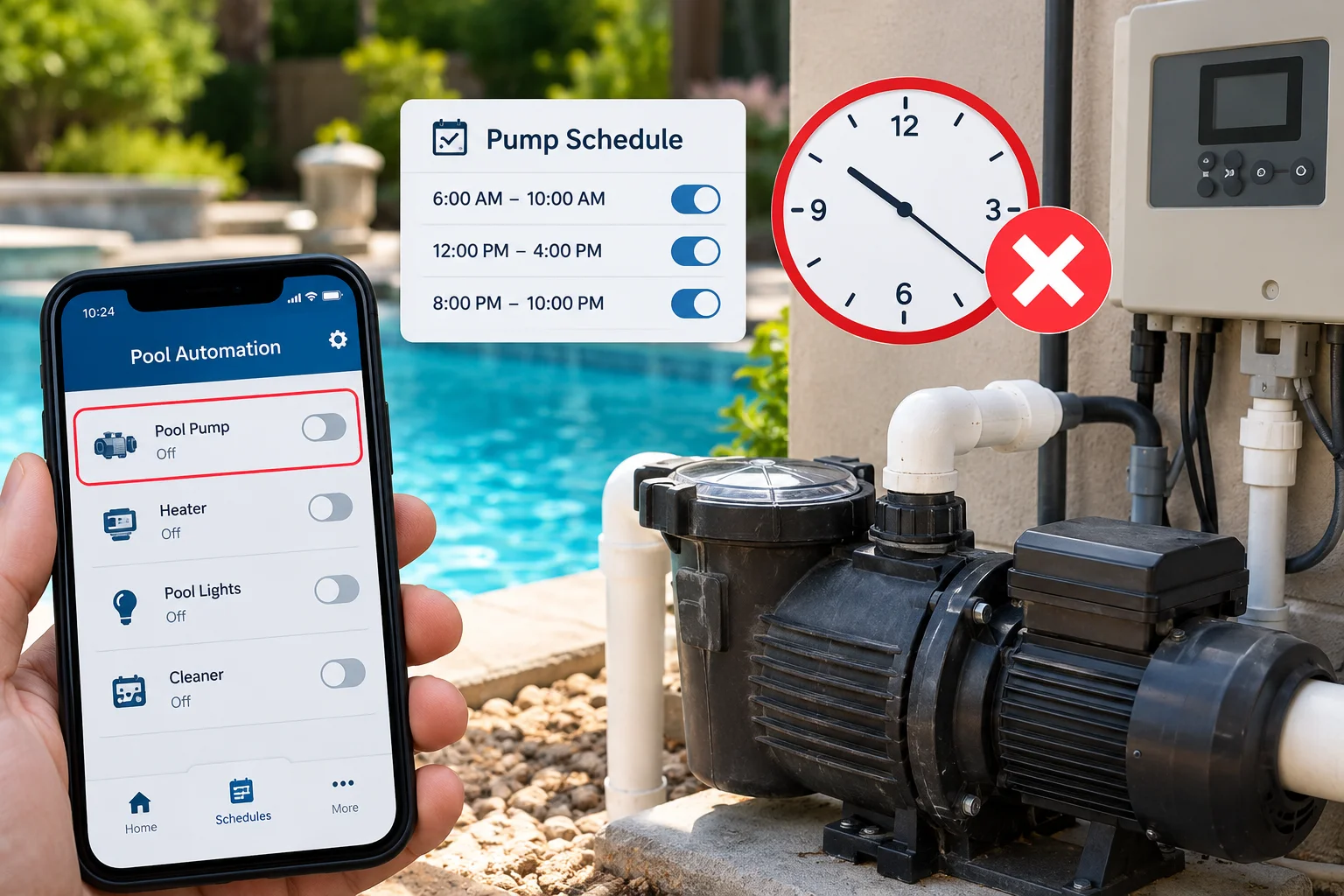
Many current automation systems allow homeowners to control pool equipment through a smartphone or web-connected device. A Wi-Fi problem can therefore make the automation app appear unreliable.
However, losing app connectivity does not always mean the pump itself has stopped following locally stored automation commands.
Weak wireless coverage near outdoor pool equipment, a replaced router, changed Wi-Fi credentials, or temporary network interruptions can prevent an app from communicating with the automation system.
A common clue is that the pool equipment continues operating while the smartphone app reports that the controller is offline.
Restarting network equipment or reconnecting the automation system may restore remote access, but repeated connection failures should be investigated further.
Automation System Compatibility Problems
Scheduling trouble sometimes begins after a pump or automation component has been replaced.
Not every controller communicates with every pump in the same way. Equipment generation, firmware, communication protocol, and system configuration can all affect compatibility.
The table below can help homeowners connect common symptoms with areas that may require inspection.
| What You Notice | Possible Cause | Area To Check |
|---|---|---|
| Pump ignores programmed schedule | Control configuration problem | Automation and pump settings |
| Pump starts unexpectedly | Conflicting schedules | Active programs |
| Pump works manually only | Communication problem | Wiring and controller connection |
| App shows equipment offline | Network interruption | Wi-Fi and router connection |
| New pump will not automate | Compatibility or configuration issue | Pump and controller setup |
| Pump runs at unexpected speed | Competing speed assignments | Pump speed programming |
A professional inspection can help separate a capacity problem from a maintenance or equipment issue. Replacing a heater without identifying the actual cause could leave the original heating problem unresolved.
Pro Tip: Before changing automation or pump programming, photograph the existing settings. Adjust one item at a time and observe the result. This makes it much easier to identify which setting caused the scheduling problem.
Compatibility should be checked before assuming either the pump or controller has failed.
Freeze Protection Or Safety Features May Override Schedules
Sometimes a pump running outside its regular schedule is doing exactly what the automation system was programmed to do.
Many pool automation systems include freeze protection. When the system detects sufficiently cold conditions, it may operate the circulation pump to move water through the plumbing and equipment.
That automatic protection can temporarily override normal pump scheduling depending on the equipment and configuration.
Other programmed functions may also command a variable-speed pump to operate. Water features, spa modes, heaters, cleaners, or other circuits can sometimes trigger pump operation or request a different speed.
Before changing a schedule, check which automation functions are currently active.
Incorrect System Clock Or Time Zone Settings
A schedule can be programmed correctly while still running at the wrong time if the controller clock is inaccurate.
This commonly becomes noticeable after a power interruption, controller reset, equipment replacement, or time-setting change.
Compare the displayed controller time with the actual local time. Also verify the date and time zone if those options are available.
Some systems may handle daylight saving adjustments automatically, while others depend on their configuration. Consult the instructions for the specific controller instead of assuming every automation system handles clock changes the same way.
Firmware Or Software Problems
Smart automation systems rely on software to manage schedules, equipment communication, and remote controls.
Firmware or app updates can occasionally require the system to reconnect, restart, or resynchronize. Older equipment may also have limited compatibility with newer software or replacement components.
If scheduling trouble starts immediately after an update, check the manufacturer’s current instructions and equipment status before repeatedly changing schedules.
Avoid attempting electrical repairs or firmware modifications without knowing the requirements for the installed equipment.
Pool Pump Automation Troubleshooting Steps Homeowners Can Try
Basic checks can reveal many scheduling problems without immediately changing equipment.
Start with the simplest items:
- Confirm the controller displays the correct date and time.
- Check that the intended pump schedule is enabled.
- Verify the correct days of the week are selected.
- Look for overlapping or duplicate schedules.
- Confirm the pump has electrical power.
- Check whether the controller is in automatic rather than service or manual mode.
- Review the pump itself for stored schedules.
- Check the app or controller for communication errors.
- Confirm other pool features are not commanding the pump.
- Review Wi-Fi status if remote controls are unavailable.
Restarting equipment should only be performed according to manufacturer instructions. Do not open electrical panels or handle exposed wiring unless you are qualified to do so.
Signs The Automation System Needs Professional Inspection
Some problems continue even after programming and connection settings appear correct. At that point, repeated resets may hide the symptom without correcting the actual cause.
Professional inspection becomes more important if:
- Pump schedules repeatedly disappear.
- Communication errors return after restarting the system.
- The pump starts and stops unpredictably.
- The pump responds manually but consistently ignores automation.
- Wiring appears damaged or deteriorated.
- New equipment cannot communicate with the existing controller.
- The controller displays recurring equipment faults.
- Automation performance changed after electrical work or equipment replacement.
These symptoms can involve communication wiring, equipment configuration, controller hardware, pump electronics, or compatibility issues.
Keep Your Pool Pump Running On The Right Schedule
A pool pump that ignores automation schedules does not always need replacement. Incorrect programming, clock settings, communication problems, pump controls, network issues, freeze protection, and equipment compatibility can all affect automated operation.
Start by checking the schedule and controller settings before changing equipment. If the same problem keeps returning, identifying the underlying cause can help restore dependable circulation and make your automation system useful again.