Pool Lights Not Responding to Automation Controls? Here Are Possible Causes
Pool automation makes it easy to manage lighting without walking out to the equipment pad or manually operating switches. When pool lights suddenly stop responding to scheduled commands, wall controls, or a mobile app, the problem may come from the automation system, electrical connections, communication settings, or the light itself.
“So, why are your pool lights not responding to automation controls even though other pool equipment still works normally?”
The cause can range from a simple programming issue to a failed relay, transformer problem, or compatibility concern.
Understanding the most common causes can help homeowners recognize when a quick reset may solve the issue and when professional inspection is needed to restore reliable pool lighting control.
Key Takeaways
- Programming errors can interrupt automated lighting.
- Failed relays may block lighting commands.
- Weak Wi-Fi can disrupt remote controls.
- Transformer problems can stop low-voltage lights.
- Professional inspection helps identify electrical faults.
Start With Common Pool Light Automation Problems
Pool lights depend on several components working together. The automation controller sends a command, the appropriate relay or lighting controller responds, and electrical power reaches the fixture. A problem anywhere along that path can keep the light from operating normally.
Before assuming the pool light itself has failed, consider some of the more common causes:
- The lighting circuit was disabled in the automation settings.
- A programmed lighting schedule was changed or deleted.
- The controller lost power or restarted.
- The lighting relay is not switching properly.
- A breaker or GFCI has tripped.
- The lighting transformer is not supplying the required voltage.
- The automation controller has lost its network connection.
- The fixture or wiring has developed a fault.
Manufacturers also identify incorrect programming, wiring problems, inadequate transformer output, and poor wireless connections as possible causes of lighting control problems.
Determine Whether Automation Or Lighting Failed
Finding out which side of the system is causing the problem can narrow the inspection considerably. Start by observing how the lights respond through different control methods.
Try operating the lights from the automation panel rather than only through the smartphone app. If the lights respond from the local panel but not remotely, the lighting circuit itself may still be working, while the network or app connection needs attention.
Check other automated equipment as well. If the pump, heater, or water features still respond normally while only the lights fail, the problem may be isolated to the lighting circuit, programming, relay, transformer, or fixture.
If multiple automated functions stop responding at once, the controller, communication system, power supply, or network connection deserves closer attention.
A Failed Relay Can Stop Lighting Commands
Many automation systems use relays to turn connected equipment on and off. Pool lighting circuits may be assigned to one of these controlled outputs.
When the automation system activates the light, the relay changes state and allows the lighting circuit to operate. A relay that no longer switches properly can prevent the automation command from reaching the equipment even when the command appears correctly on the controller.
Relay Failure Signs
A homeowner may notice that the light appears “on” in the app but remains dark. The relay might also fail intermittently, leaving the light working sometimes but not consistently.
Some systems produce an audible relay click when a lighting command is issued. Pentair, for example, notes that properly configured color-light functions can cause the corresponding relay to switch during color selections.
A lack of normal relay operation does not automatically prove the relay has failed. Programming, control board, wiring, and power problems can produce similar symptoms, so electrical testing should be performed before components are replaced.
Transformer Problems Can Affect Low-Voltage Pool Lights
Low-voltage pool lighting depends on a transformer to supply the voltage required by the lighting system. If that transformer loses power or stops producing sufficient output, the automation controller may still appear to work while the lights remain off.
Manufacturer troubleshooting information identifies transformer input and output voltage as important checks when lights fail to illuminate. Jandy documentation, for example, instructs technicians to verify both incoming power and low-voltage transformer output when troubleshooting certain pool lighting systems.
Transformer Warning Signs
A transformer-related problem may be suspected when all lights connected to the same transformer stop working simultaneously. Other possibilities include an upstream power problem, wiring fault, fuse issue, or tripped protective device.
Voltage measurements involve electrical hazards and should be performed by someone qualified to service the equipment. Pool lighting combines electricity with a wet environment, so homeowners should avoid opening energized electrical enclosures or attempting internal wiring repairs.
Automation Programming Errors Can Interrupt Pool Lighting
Sometimes the electrical equipment is working properly, but the automation system has incorrect information about what it should control.
Automation systems assign equipment to specific circuits, auxiliary outputs, or lighting functions. If the pool light is assigned incorrectly, disabled, or removed during programming changes, commands may no longer produce the expected response.
Common programming problems can include:
- Lighting assigned to the wrong auxiliary circuit
- A lighting schedule accidentally disabled
- Incorrect light type selected within the controller
- Conflicting schedules
- Settings changed after equipment replacement
- Lost programming following controller service
For certain automated color-light systems, Pentair specifically recommends checking that the automation system is in the correct operating mode and that the lighting circuit is assigned the proper light function.
Wi-Fi Problems Can Interrupt App-Based Lighting Control
Modern automation platforms often allow homeowners to control pool lights from a smartphone. That convenience depends on reliable communication between the app, network, automation controller, and connected equipment.
If the lights operate correctly from the equipment panel but fail when controlled through the app, the lighting hardware may not be the main problem.
Weak wireless coverage near the pool equipment can cause controllers to disconnect. Some equipment also has specific network requirements. Pentair troubleshooting guidance for one connected lighting controller, for example, lists weak Wi-Fi signal as a possible cause of repeated disconnections and recommends improving signal strength near the controller.
Router replacements, changed network passwords, network configuration changes, or equipment losing its connection can also interrupt remote access.
Pool Light Compatibility Matters With Automation
Not every pool light communicates with every automation system in exactly the same way. Compatibility becomes particularly important when homeowners upgrade lighting but keep an older automation controller.
Basic lights may simply switch on and off through a relay. Advanced color-changing fixtures may require specific programming, compatible controllers, supported communication protocols, or newer automation revisions.
Some current lighting products communicate directly with compatible automation systems. Jandy, for example, specifies particular AquaLink compatibility requirements for its Infinite WaterColors lighting products.
This is why replacing a failed light with a different model should involve more than matching its physical size. Voltage, transformer requirements, controller support, wiring method, and automation compatibility should all be considered.
Power Interruptions Can Change Automation Behavior
Power outages can sometimes leave automation equipment behaving differently when electricity returns. Controllers may reboot, network connections may need to reconnect, and protective devices may trip during an electrical event.
Start by checking the automation display for errors or offline equipment. Confirm that other pool equipment is functioning before assuming the lighting fixture has failed.
Protective electrical devices are particularly important around pool lighting. Automation equipment may rely on separate GFCI protection for underwater lighting circuits, depending on the installation and equipment configuration. Manufacturer instructions emphasize proper GFCI protection when automated controls are used with underwater luminaires.
A breaker or GFCI that repeatedly trips should not simply be reset over and over. Repeated tripping can indicate an electrical condition that requires professional evaluation.
Common Symptoms And Possible Causes
Different symptoms can point toward different parts of the system. The following table can help homeowners understand where troubleshooting may begin without assuming one symptom proves a specific failure.
| Pool Light Symptom | Possible Cause | First Area To Check |
|---|---|---|
| Works manually but not through app | Network or app communication | Automation connection |
| Automation shows light on, but fixture stays dark | Relay, transformer, wiring, or fixture | Lighting circuit |
| All low-voltage lights stop together | Transformer or power supply issue | Transformer supply |
| One light fails while others work | Individual fixture or connection | Affected light |
| Lights operate at incorrect times | Scheduling or programming issue | Automation schedule |
| Color settings respond incorrectly | Programming or communication issue | Lighting configuration |
| Controller frequently goes offline | Weak Wi-Fi or network problem | Network connection |
These symptoms provide clues, but proper testing is still needed before replacing equipment.
Signs The Pool Light Itself May Be Failing
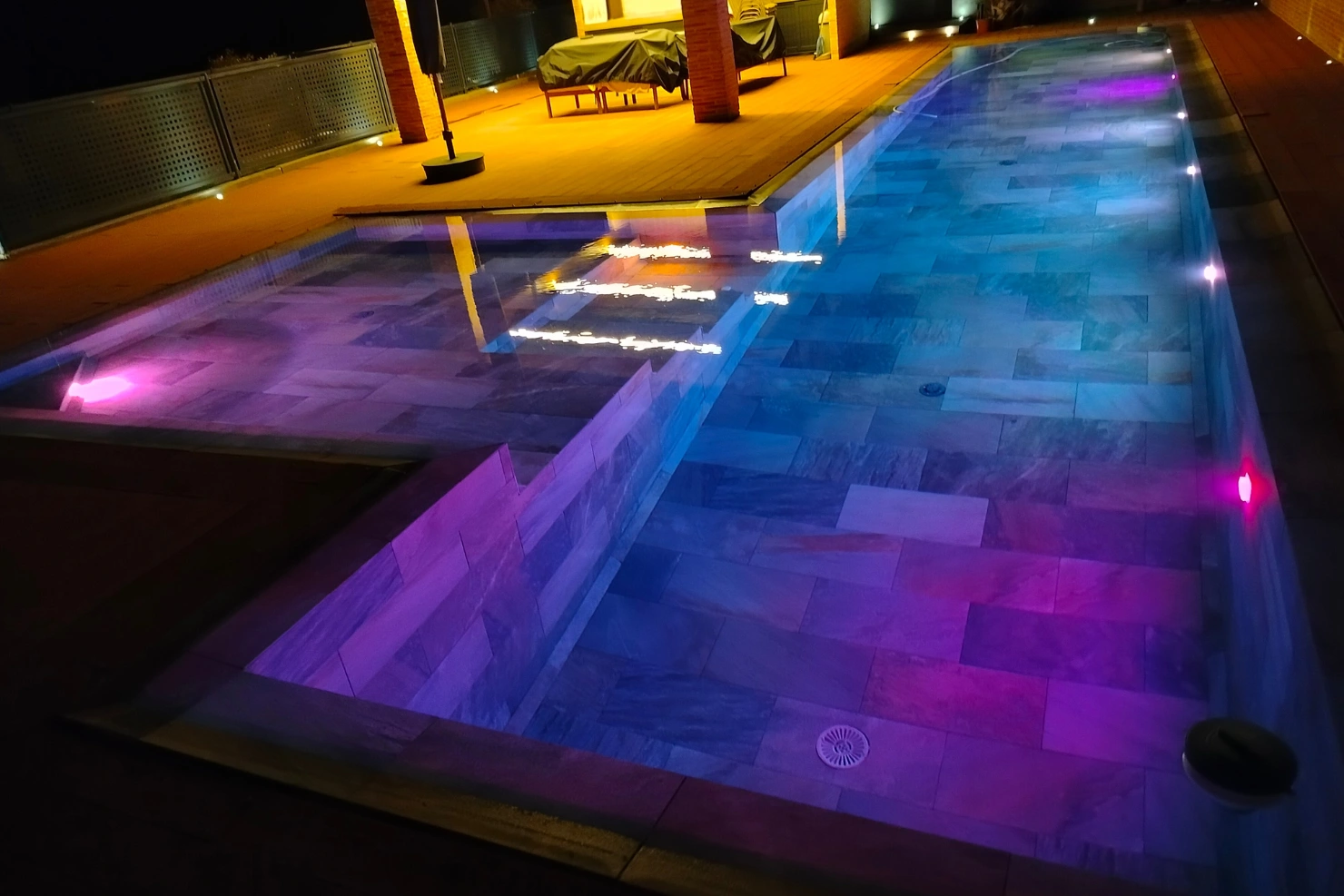
Automation is not always responsible. Sometimes the controller is sending commands correctly, but the lighting fixture cannot respond.
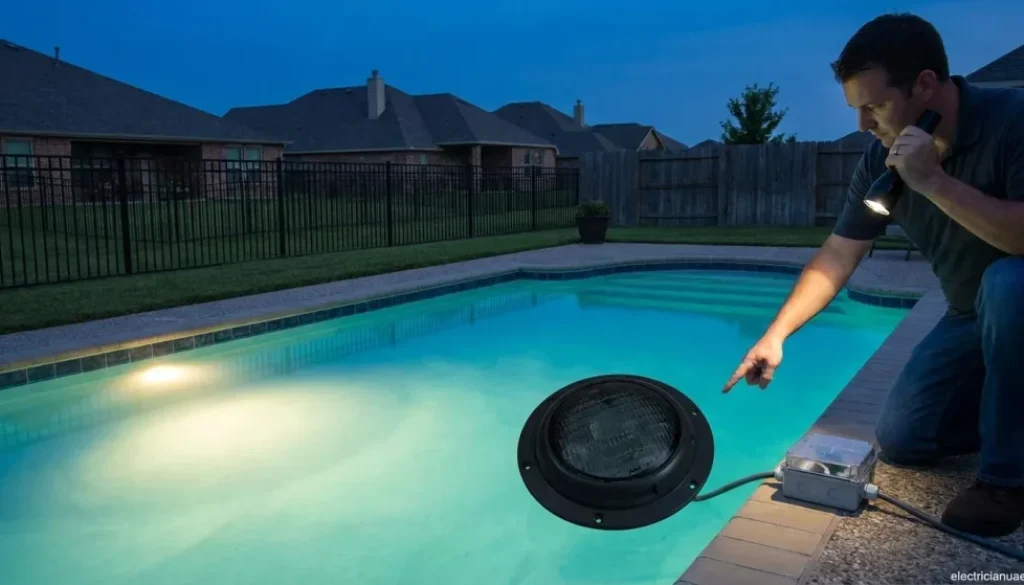
One strong clue is when multiple lights share the same automation system but only one fixture stops working. Individual wiring connections, the fixture, or the light’s internal electronics may then deserve closer inspection.
Fixture Failure Clues
Watch for flickering, intermittent operation, incorrect colors, or a light that stays dark while others on the same system continue working.
Jandy troubleshooting information notes that dim, blinking, or nonworking lights can be associated with poor connections or wiring issues, while improper voltage or poor connections can also affect synchronized color operation.
Avoid removing or opening underwater fixtures without understanding the electrical and sealing requirements involved. Improper service can create additional electrical or water-intrusion problems.
Pro Tip: Before resetting or reprogramming your entire automation system, take screenshots or photographs of current pump, heater, lighting, and cleaning schedules. This provides a reference if settings are accidentally changed during troubleshooting.
When A Simple Restart May Help
Restarting a control system can sometimes clear temporary communication problems, especially when the issue began after a network interruption or brief power loss.
Follow the equipment manufacturer’s restart instructions rather than repeatedly cycling breakers. After restarting, give connected equipment and network features enough time to reconnect before testing the lights again.
You can also confirm that:
- The controller is in its normal operating mode.
- The correct lighting circuit is enabled.
- Lighting schedules are still present.
- The app shows the automation controller online.
- Other automated equipment responds normally.
Avoid performing a factory reset unless necessary. Factory resets may remove schedules, circuit assignments, network information, and other configuration settings.
When Professional Inspection Is Needed
Some automation problems move beyond basic homeowner troubleshooting. Pool lighting circuits should be taken seriously because they involve electrical equipment installed around water.
Professional inspection is appropriate when a breaker or GFCI repeatedly trips, wiring appears damaged, the transformer is not operating normally, the relay does not respond, or the system continues failing after basic programming and connection checks.
Electrical measurements may be necessary to determine whether power reaches the transformer, relay, controller, and lighting circuit. Manufacturer troubleshooting procedures frequently rely on voltage and continuity testing, which should be performed safely by qualified personnel.
Restore Reliable Pool Lighting Control
Pool lights that stop responding to automation commands can have several causes. Programming errors, network interruptions, relay problems, transformer issues, damaged connections, incompatible equipment, and failed fixtures can all produce similar symptoms.
Checking how the lights respond from different controls can help narrow the problem, but electrical faults require careful diagnosis. Correcting the actual cause helps restore dependable lighting without replacing components unnecessarily.
If your automated pool lights continue to ignore commands or operate inconsistently, Contact Us at Residential Pool Service LLC to schedule an inspection and get your pool lighting controls working properly again.